
How the Guesty WooCommerce plugin syncs listings, calendars and pricing so property managers can take commission-free direct bookings on WordPress. All you need to know about Guesty WooCommerce integration.
If you run vacation rentals on Guesty, you already know the problem: Airbnb, Booking.com and Vrbo eat 15–20% of every reservation. The fastest way to win that margin back is to push traffic to your own website — and the cleanest way to do that on WordPress is a real Guesty WooCommerce integration. This guide walks through what the Guesty WooCommerce plugin does, how it works, and how to get it live in under ten minutes.
What is the Guesty WooCommerce plugin?
The Guesty WooCommerce plugin is a WordPress extension that connects your Guesty PMS account to any WooCommerce store. Each Guesty listing becomes a bookable WooCommerce product, complete with photos, descriptions, nightly rates and an availability calendar. When a guest checks out, the order is converted into a confirmed Guesty reservation — automatically, in real time.
In other words: keep Guesty as your operations brain, and use your own WordPress site as a commission-free direct-booking channel.
Why integrate Guesty with WooCommerce?
Direct bookings aren’t just about saving on OTA fees (although saving 15–20% per stay is reason enough). A Guesty WordPress integration also gives you:
- Brand control — your own checkout, your own follow-up emails, your own upsells.
- SEO ownership — every listing becomes an indexable page you can rank on Google.
- First-party guest data — names, emails and phone numbers go straight into your CRM, not Airbnb’s.
- Upsells & add-ons — late checkout, early check-in, airport transfers, baby cots: WooCommerce handles them natively.
- Familiar payments — Stripe, PayPal, Klarna, Apple Pay — anything WooCommerce supports.
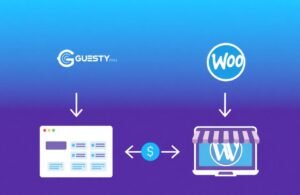
Key features of the Guesty WooCommerce plugin
- Two-way listing sync from Guesty to WooCommerce products.
- Live availability and calendar sync (Guesty API + iCal) — no double bookings across Airbnb, Booking.com, Vrbo and your own site.
- Dynamic nightly pricing, length-of-stay discounts and seasonal rates pulled directly from Guesty.
- Multi-currency and multi-language storefront support.
- Automatic cleaning fees, city taxes and security deposits per listing.
- Guest data, check-in and check-out dates pushed back to Guesty as a real reservation — not just a note.
- Mobile-first booking widget that drops into any WordPress theme (Astra, Kadence, GeneratePress, Divi, Elementor).
Ready to set it up? Get the Guesty WooCommerce Plugin on Etsy — one-time payment, lifetime updates, instant download.
Or get the plugin for the best price here.
How the Guesty WooCommerce integration works
- Install the plugin on your WordPress site and paste in your Guesty API token.
- The plugin pulls every active Guesty listing and creates a matching WooCommerce product, including photos, amenities and nightly pricing.
- A booking widget on each listing page lets guests pick check-in and check-out dates against live Guesty availability.
- On checkout, WooCommerce takes the payment and the plugin pushes a confirmed reservation back into Guesty — locking the dates everywhere else.
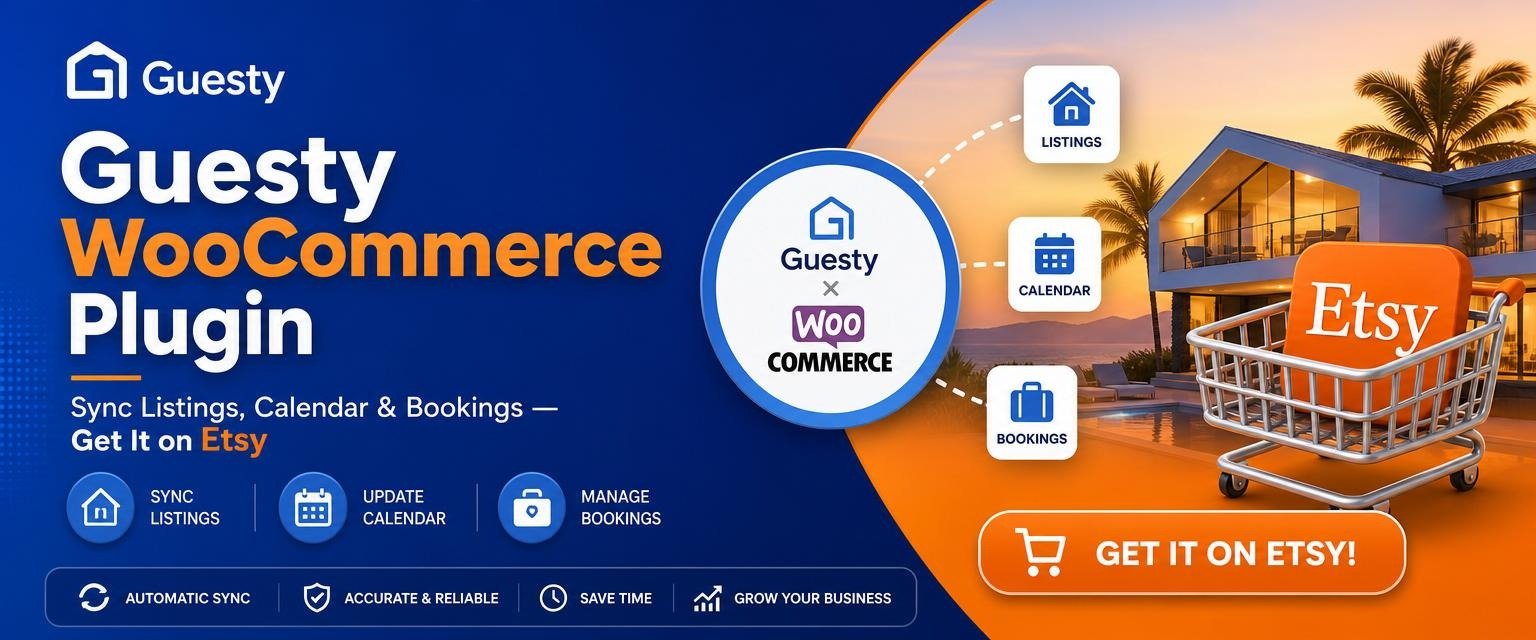
Who is the Guesty WooCommerce plugin for?
The plugin fits any Guesty user who already has — or wants — a WordPress site:
- Boutique property managers with 5–200 listings looking to reduce OTA dependency.
- Single-host operators running one or two high-value rentals who want a branded direct-booking site.
- Hospitality agencies building white-label booking sites for their property-owner clients.
Setup in under 10 minutes
- Buy and download the plugin .zip file from Etsy.
- In WordPress, go to Plugins → Add New → Upload Plugin and activate it.
- Open Settings → Guesty Integration and paste your Guesty API key.
- Click Sync now. Your listings appear as products.
- Drop the [guesty_booking] shortcode (or Gutenberg block) on any page and you’re live.
Guesty WooCommerce plugin vs. other integration methods
Most “Guesty WordPress integrations” you’ll find online are one of three workarounds — and none of them give you a real booking engine:
- iFrame embed of the Guesty booking site — works, but it’s not your brand, not indexable, and not customisable.
- Zapier / Make automations — fragile, expensive per booking, and can’t expose availability in real time.
- Channel-manager middleware — adds another SaaS fee on top of Guesty just to talk to WordPress.
A dedicated Guesty WooCommerce plugin is the only option that gives you native WordPress pages, native WooCommerce checkout, and true two-way sync — without a monthly subscription.
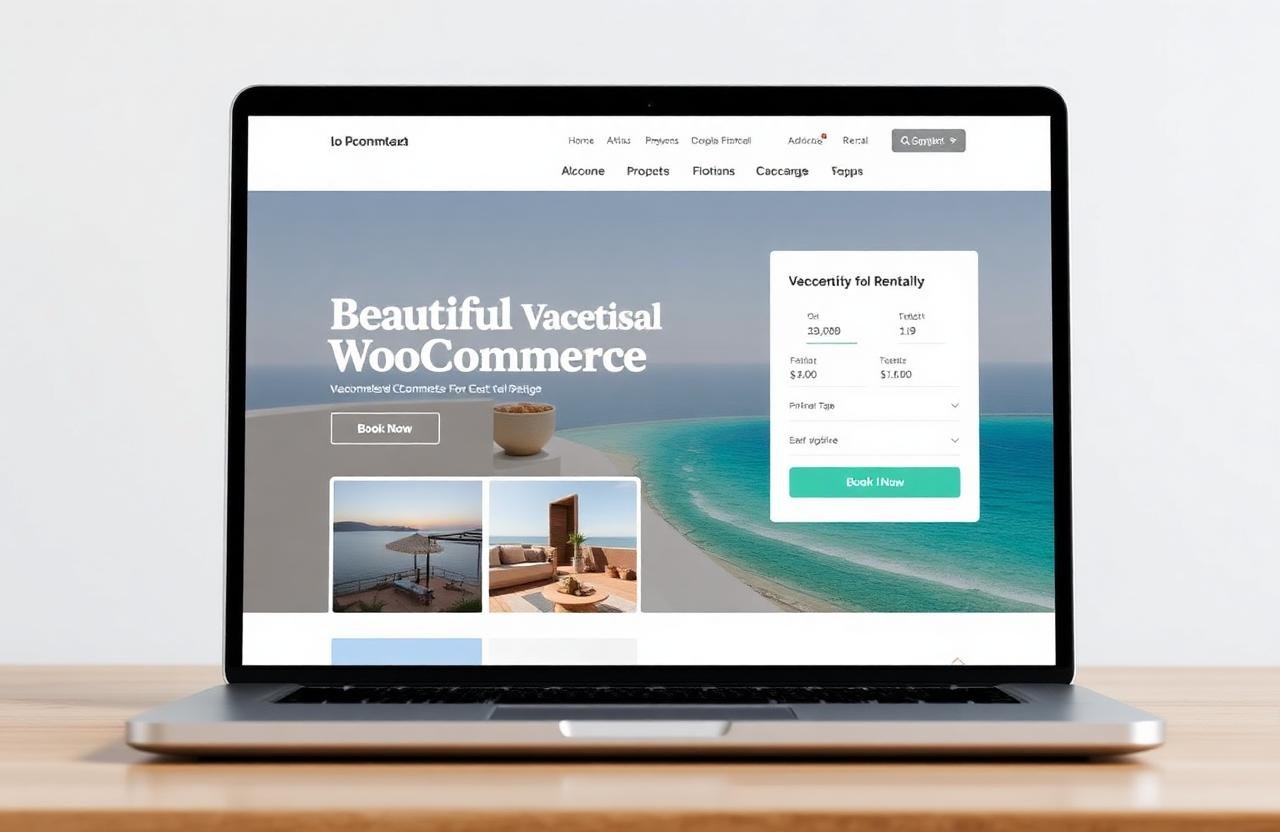
Pricing & where to get it
The Guesty WooCommerce plugin is sold on Etsy as a one-time purchase with lifetime updates and instant download. No subscription, no per-booking fee, no markup on your Stripe payouts.
👉 Buy the Guesty WooCommerce Plugin with the best price here.
Guesty WooCommerce plugin FAQ
Does Guesty have a native WooCommerce plugin?
No. Guesty doesn’t ship a first-party WordPress plugin, which is exactly the gap the Guesty WooCommerce plugin on Etsy fills.
Can I sync Guesty with WordPress in real time?
Yes — the plugin uses the Guesty API for two-way sync of listings, pricing and availability, plus iCal as a fallback.
Does it support multiple listings and currencies?
Yes. Unlimited listings, multi-currency pricing, and per-listing cleaning fees and taxes are all supported.
Is the Guesty plugin a one-time payment?
Yes. You pay once on Etsy and get lifetime updates — no recurring SaaS fees on top of your existing Guesty subscription.
Do I still need my Guesty account?
Absolutely. Guesty remains your PMS — the plugin simply turns WooCommerce into another sales channel feeding Guesty.
The bottom line
If you’re already paying for Guesty, leaving direct bookings on the table is leaving money on the table. The Guesty plugin for WooCommerce is the simplest, cheapest way to turn your WordPress site into a real booking engine — keep your Guesty workflows, keep your OTA commissions, and own your guests.
👉 Get the Guesty WooCommerce Plugin on Etsy → OR for the best price HERE.