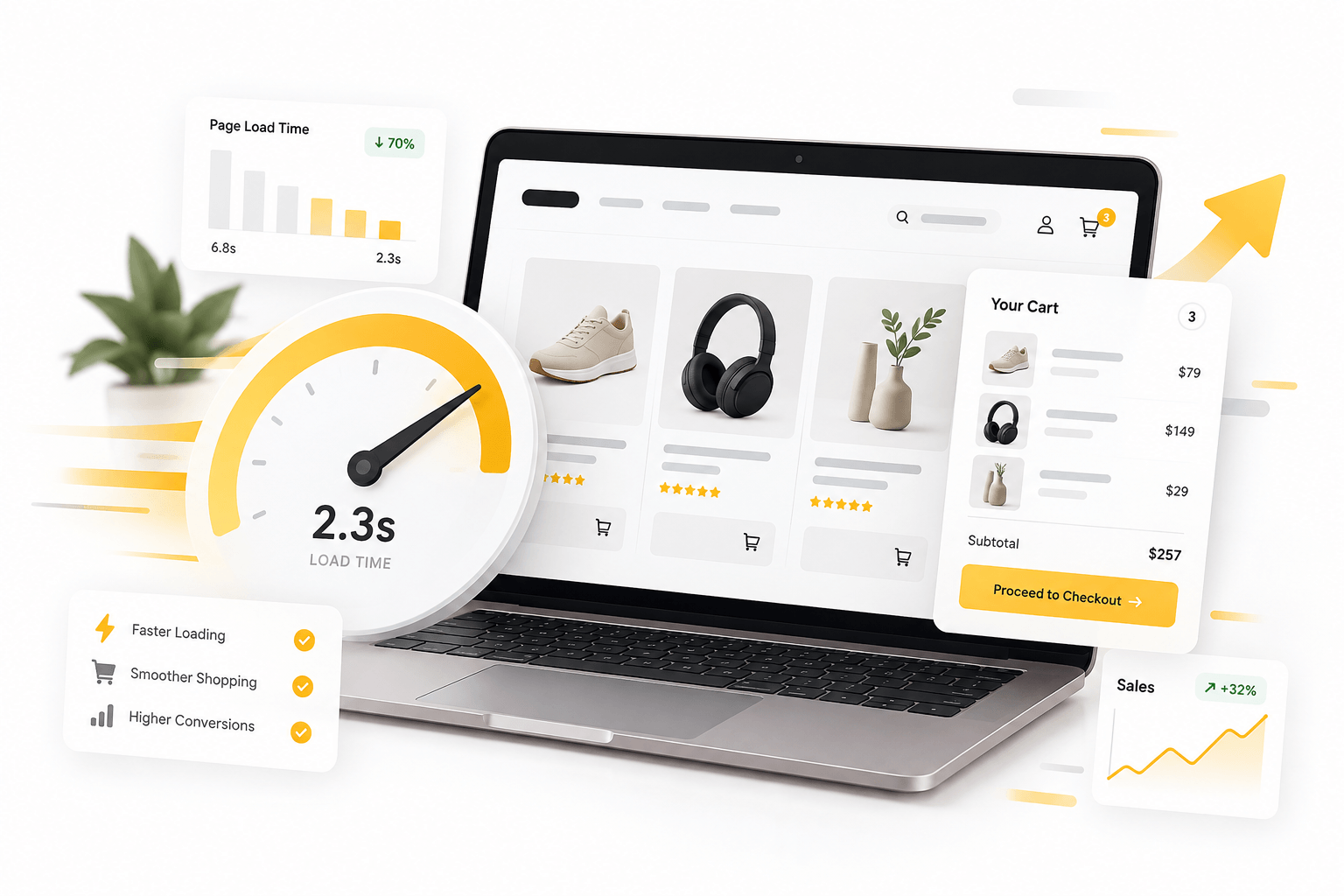
A WooCommerce store can look excellent and still lose customers before payment. Slow product pages, filters, carts, and checkout create friction where buyers should be moving forward. Delays can affect conversions, advertising efficiency, visibility, and trust. That is why WooCommerce speed optimization belongs in the sales conversation, not only in website maintenance. Businesses often try to speed up WooCommerce by installing a caching plugin, compressing images, and hoping the problem disappears. Sometimes that helps, but slow stores usually have several bottlenecks.
WooCommerce speed optimization starts with the real bottleneck
The first mistake is optimizing without measuring. Product pages, carts, and checkout can be slow for different reasons. WooCommerce speed optimization works best when you establish a baseline and test important page types separately.
Google PageSpeed Insights and Lighthouse expose loading problems, while server-side monitoring can reveal slow PHP execution or database queries. To speed up your WooCommerce properly, identify whether the delay comes from the browser, server, database, plugins, theme, or an external service.
A fast homepage proves very little, which is why WooCommerce speed optimization must look beyond it. WooCommerce becomes more dynamic when customers search, filter, add products, calculate shipping, apply coupons, and proceed to payment. Good WooCommerce speed optimization therefore follows the customer journey instead of testing only the easiest page.
Why more optimization plugins can make the problem worse
Installing another performance plugin is tempting, but overlapping caching, minification, database, and script-management tools can create conflicts. Businesses trying to speed up their WooCommerce sometimes add more complexity to a website already carrying too much code.
WooCommerce speed optimization should reduce unnecessary work during each request. Overlapping tools can break layouts, delay checkout functions, or create inconsistent caching.
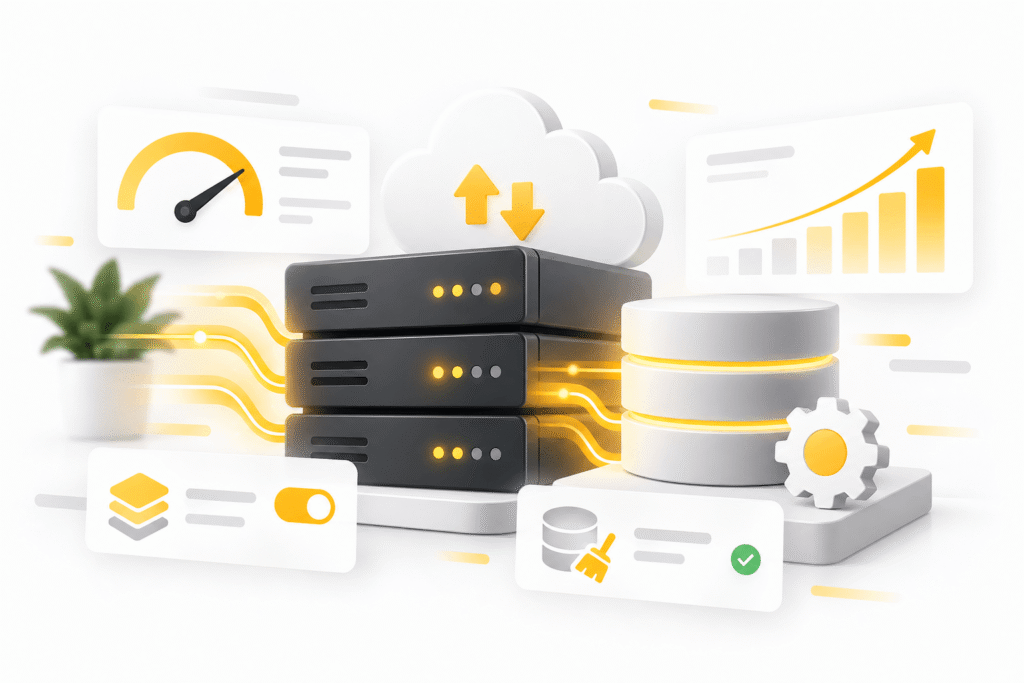
Themes and page builders can also load large CSS files, fonts, trackers, widgets, and scripts customers never use. To speed up WooCommerce, removing unnecessary frontend weight can outperform another optimization layer.
Images matter, but WooCommerce speed optimization goes deeper
Oversized product images are common, and modern formats, correct sizing, compression, and lazy loading can deliver noticeable gains. Yet WooCommerce speed optimization rarely ends with images.
A shop may still be slow because hosting resources are limited, database tables are bloated, object caching is missing, or a plugin repeatedly performs expensive queries. If the goal is to speed up your WooCommerce store, backend performance deserves the same attention as visible assets.
Large variation sets, search tools, and product filters can force the server and browser to process far more data than customers realize. WooCommerce speed optimization therefore needs to consider how the catalogue works, not only how it looks.
Our speed optimization service takes the same measured approach: establish a baseline, fix bottlenecks, and compare the result afterwards.
Your database can quietly slow down WooCommerce
Orders, sessions, product metadata, scheduled actions, revisions, and plugin data accumulate as a WooCommerce store grows.
Businesses trying to speed up their WooCommerce store should examine database health rather than running indiscriminate cleanup tools. Removing the wrong records can cause problems, while keeping unnecessary data creates overhead. WooCommerce speed optimization requires controlled cleanup, backups, and testing.
Plugins deserve the same scrutiny. One extension can add slow queries across many pages, while several acceptable plugins can create a heavy combined workload. To speed up your WooCommerce, ask whether each extension justifies the processing it adds.

WooCommerce speed optimization matters most where customers pay
Caching can make public product and category pages much faster, but carts and checkouts are different. These pages contain customer-specific information and cannot simply be cached like static content. WooCommerce speed optimization becomes more technical precisely where performance has the greatest commercial impact.
Checkout may contact payment, shipping, tax, analytics, fraud, and marketing services during one visit. One slow external request can delay the customer. When speeding up your WooCommerce store, identify which integrations belong in the critical checkout path and which work can happen later.
Poorly built checkout changes may trigger repeated calculations whenever a customer changes a field. If several plugins are stacked for one unusual workflow, this article explains why focused functionality can be cleaner than forcing generic extensions together.
WooCommerce speed optimization should include checkout testing on mobile devices and realistic connections. To speed up WooCommerce meaningfully, test the conditions your actual buyers are likely to experience.
Core Web Vitals help, but customers are the real benchmark
Core Web Vitals reveal useful information about loading, responsiveness, and layout stability. However, trying to speed up WooCommerce purely for a perfect laboratory score can become a distraction.
A store can score well while still having slow search or a frustrating checkout. WooCommerce speed optimization must therefore be judged against real customer actions. A complex shop can also miss a perfect score while feeling quick because important interactions respond immediately. Effective and professional WooCommerce speed optimization combines measurable technical improvements with real customer journeys.
Test product discovery, variation selection, cart actions, checkout updates, and payment initiation. When you speed up WooCommerce, prioritize the improvement that removes waiting from a revenue-critical action.
Performance should support growth, not just better scores
Performance problems often become more visible as a business grows. More products, visitors, orders, and marketing tools all increase workload. WooCommerce speed optimization should create headroom for growth instead of fixing only today’s symptoms.
The goal is a store that remains stable when traffic rises and campaigns bring many customers at once. To speed up WooCommerce sustainably, hosting, plugins, database health, frontend assets, caching, CDN configuration, and checkout integrations must be treated as one connected system.
That is also why WooCommerce speed optimization should be measured after changes. Compare the same pages, devices, and customer journeys against the original baseline. If you speed up your WooCommerce store successfully, customers should notice fewer pauses where buying decisions actually happen.
Trying to speed up WooCommerce is ultimately about reducing friction between interest and purchase. Customers simply notice whether the store responds when they are ready to buy.
When you speed up your WooCommerce store, a faster store can make paid traffic more valuable and reduce the chance that technical hesitation becomes an abandoned purchase. WooCommerce speed optimization is therefore not just a developer task. It is part of protecting the revenue your store has already worked to attract.