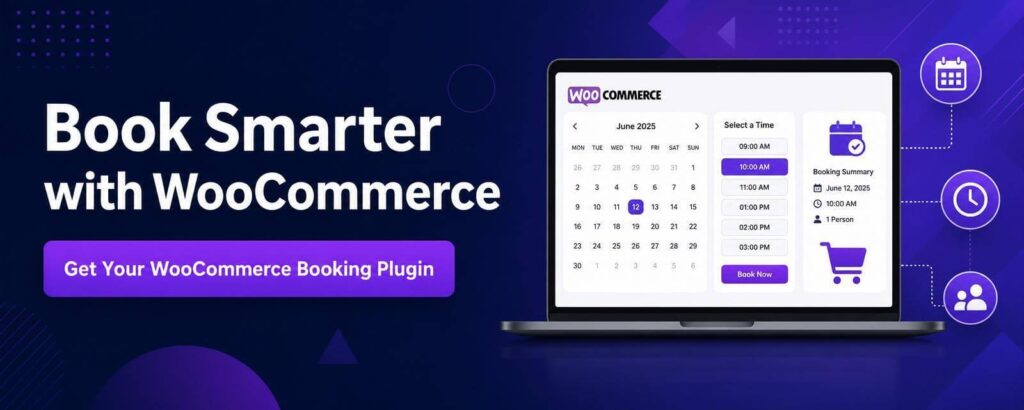

If you run a business that sells appointments, rentals, classes, or reserved time slots, the wrong WooCommerce booking plugin will create problems fast. Double bookings, confusing checkout flows, edge cases around availability, and plugin conflicts are not minor annoyances – they hit revenue, support time, and customer trust. When it comes to choosing the right WooCommerce booking plugin, there’s a number of aspects to consider.
That is why this is not really a design decision or a feature checklist exercise. It is an operations decision. A WooCommerce booking plugin is a system that sits close to your money, your schedule, and your customer communication. If it is clunky, your team feels it every day.
What a WooCommerce booking plugin needs to do
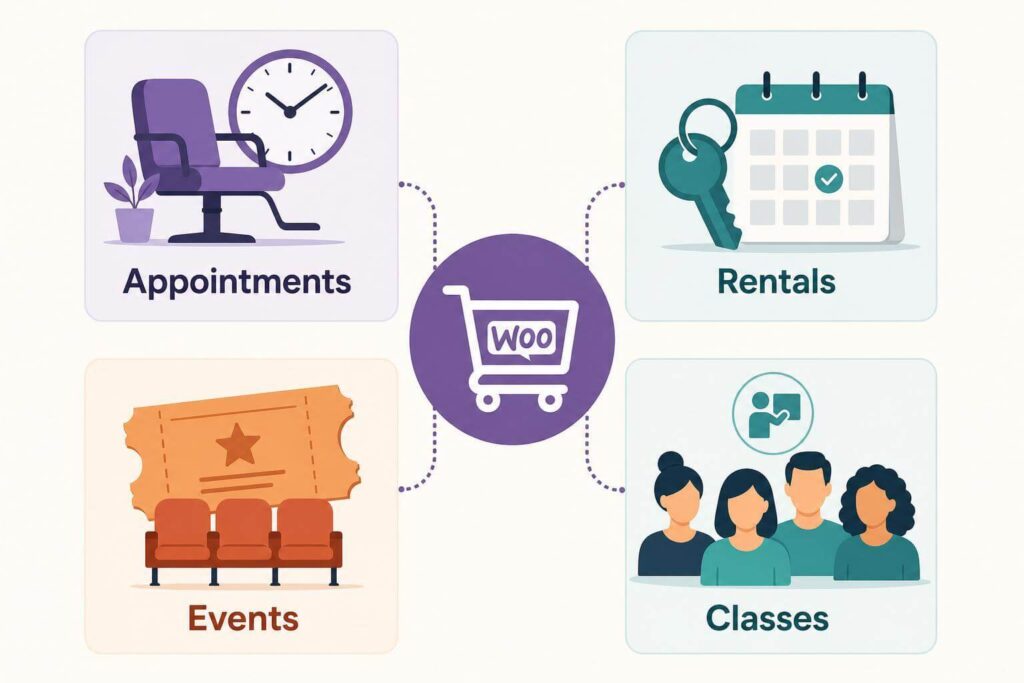
At a basic level, a WooCommerce booking plugin has to let customers choose something bookable and pay for it through WooCommerce. That sounds simple until you look at real use cases. A salon might need time-based appointments with buffers between bookings. A tour operator might sell fixed-date events with limited seats. A vacation rental business might need nightly pricing, blocked dates, and external calendar syncing. A coaching business may need one-on-one sessions with staff availability.
Those are all “bookings,” but they are not the same problem. A good WooCommerce booking plugin should be able to support your specific business needs.
A professional WooCommerce booking plugin solves the specific booking model you actually run. It should not force appointments to behave like hotel stays, or rentals to behave like event tickets. If a plugin tries to cover every possible scenario with a mountain of settings, it often becomes harder to manage than the business process it was supposed to simplify.
The practical question is not “Which plugin has the most features?” It is “Which plugin fits the rules of our business without constant workarounds?”
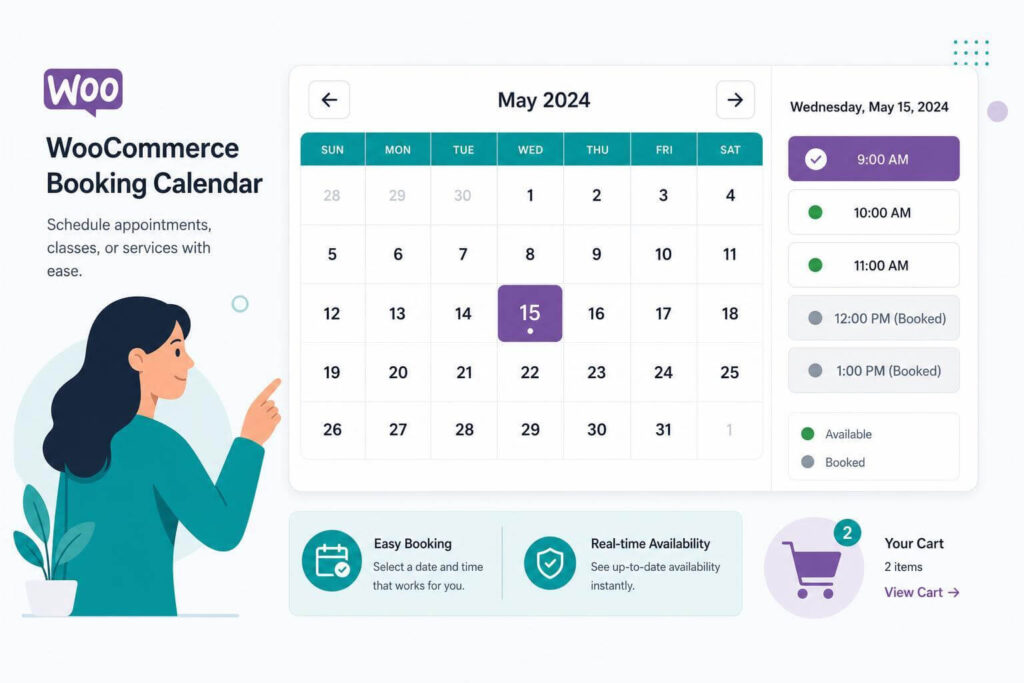
WooCommerce booking plugin: start with your booking logic
Most teams shop backward. They compare plugin screenshots, price tables, and star ratings before they have documented what they need the system to handle.
When thinking about the ideal WooCommerce booking plugin, start with the booking logic instead. Write down what the customer is booking, how availability is calculated, how long the booking lasts, whether staff or resources are involved, how pricing changes, and what should happen after checkout. That last part matters more than people think. Confirmation emails, admin notifications, calendar updates, and order status changes are where many setups start to break down.
For example, if you rent equipment by the day, you need availability tied to inventory and date ranges. If you run paid consultations, you probably need bookable time slots, lead time rules, and maybe limits on same-day bookings. If you sell workshop seats, capacity management matters more than resource allocation.
Once that logic is clear, the decision about your WooCommerce booking plugin gets easier. You stop asking whether a tool can theoretically handle your business and start asking whether it handles it cleanly.
The real difference between simple and production-ready WooCommerce booking plugin
A lot of booking plugins look fine in a demo. The cracks show up after launch.
Production-ready means the plugin behaves predictably under normal business use. It handles timezone quirks correctly. It does not create mystery conflicts with checkout customizations. Availability updates happen when they should. Admin users can understand what is booked and why. Customers do not need a support ticket just to complete a reservation. A good WooCommerce booking plugin understands that.
This is where agency-built products and expertly created WooCommerce booking plugin tend to stand out. Software that came out of real client delivery usually carries the scars of actual use. Someone already ran into edge cases around pricing, scheduling, order edits, or sync issues and had to fix them properly because a live business depended on it.
That matters more than a long feature matrix.
Common features that sound useful but can become baggage
There is nothing wrong with wanting flexibility, but extra features have a cost when it comes to choosing the right WooCommerce booking plugin. More settings mean more ways to misconfigure a store. More integrations mean more points of failure. More front-end controls often mean heavier pages and more compatibility headaches.
A bloated booking plugin can slow down both the site and the team managing it. If your staff has to remember twelve exceptions just to create a product correctly, the system is not helping.
Be especially careful with plugins that promise to handle appointments, hotel bookings, event ticketing, staff scheduling, equipment rental, membership access, and marketplace-style vendor calendars all in one package. Sometimes that breadth is useful. Often it means the product is trying to be everything and solving your actual use case only halfway.
With a good WooCommerce booking plugin you’ll solve one thing and solve it well. That is usually the better long-term bet.
How to evaluate a WooCommerce booking plugin
The strongest way to evaluate a WooCommerce booking plugin is to test it against the exact workflow that makes you money. Not an ideal version. The messy real one.
Check how availability is modeled
Availability is the core of any booking setup. Look at whether it is based on fixed slots, open date ranges, capacity, shared resources, or inventory. If your business relies on blackout dates, prep time, minimum notice, or variable durations, test those specifically.
A plugin that gets 80 percent of your availability logic right may still be the wrong plugin. The final 20 percent is often where manual fixes and overselling happen.
Check how the WooCommerce booking plugin pricing works under pressure
Pricing should not be an afterthought. Many businesses need seasonal pricing, weekend pricing, per-person pricing, quantity-based rules, or add-ons. Others need deposits or different rates based on duration.
If your pricing model is even slightly custom, test real examples. Do not assume the plugin’s wording means what you think it means. “Flexible pricing” can mean almost anything.
Check admin usability
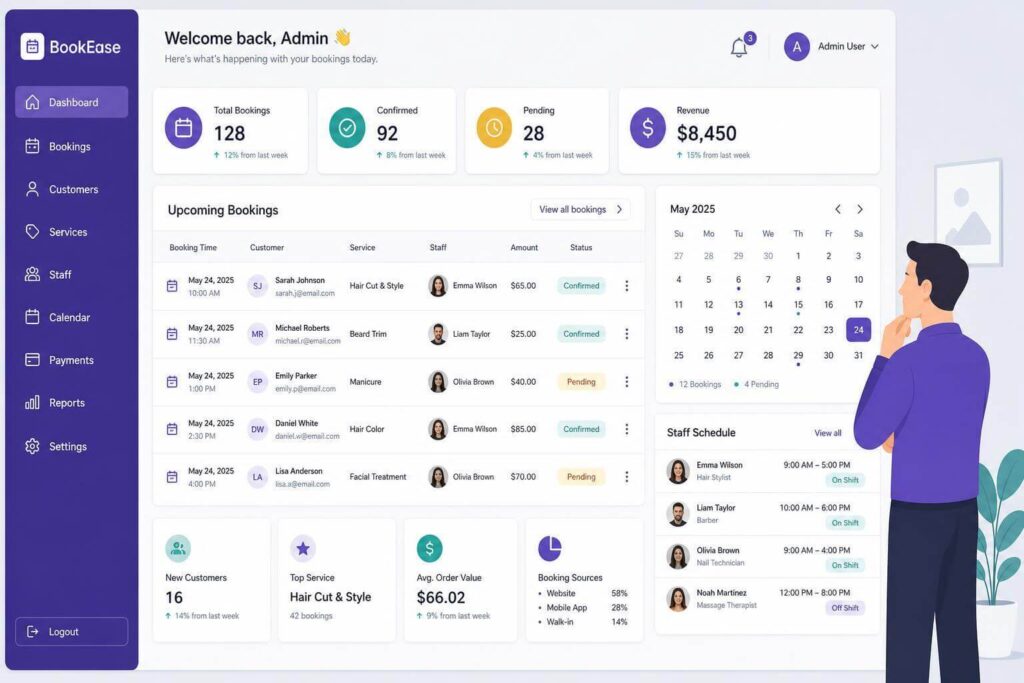
A high-quality WooCommerce booking plugin is not just for customers. Your team has to manage it. Can staff quickly see what is booked? Can they adjust reservations without breaking order data? Can they block dates easily? Are customer details tied to WooCommerce orders in a way that makes sense?
If the admin side is confusing, the cost shows up every week.
Check support and maintenance signals
This part gets ignored until something breaks. Look for signs that the plugin is actively maintained, that support comes from people who understand WooCommerce, and that the product is being improved rather than left to drift.
Direct developer support matters when it comes to WooCommerce booking plugin options. Booking systems touch too many business-critical workflows to leave in the hands of generic queue support that only replies with documentation links.
When custom work makes more sense than forcing a plugin
Sometimes the right answer is not a bigger WooCommerce booking plugin. It is a narrower one with a bit of custom work around it.
That is especially true if your core booking flow is standard but you need one or two business-specific behaviors. Maybe you need custom intake fields, a nonstandard confirmation process, staff assignment logic, or integration with an external system. Trying to find a single plugin that does all of that out of the box often leads to a bloated stack.
A cleaner approach is to use a booking foundation that handles the essentials properly, then extend it where needed. This tends to be easier to maintain than piling on add-ons from different vendors who were never building for the same workflow.
For store owners and agencies, that balance matters. You want enough packaged functionality to move quickly, but not so much abstraction that every small change becomes expensive.
Red flags to watch for before you buy
If the plugin demo spends more time showing styling options than booking logic, that is a warning sign. If the setup requires multiple companion plugins to do basic work, that is another one. If licensing feels restrictive or support feels distant before purchase, do not expect that to improve after payment.
Watch out for abandoned code patterns too. Outdated interfaces, vague documentation, missing compatibility details, and support responses that sound copied and pasted usually point to a product that is not getting serious attention.
For revenue-generating sites, ownership and maintainability matter. A GPL product with lifetime updates and direct access to people who actually build the software is usually a better business decision than a cheap plugin that becomes technical debt six months later.
The best plugin is the one your business can live with
There is no universal best woocommerce booking plugin because there is no universal booking business. The right choice depends on what you sell, how your availability works, how much flexibility you need, and how much complexity your team can realistically manage.
For some businesses, a lean plugin that handles one booking model very well is exactly right. For others, especially agencies or operators with unusual workflows, the better path is a production-tested product backed by developers who can adapt it when the edge cases show up. That is where a shop like DesigNationCreations tends to make sense – built from real delivery, not feature wishlists.
If you are choosing now, focus less on who promises the most and more on who solves your workflow cleanly, supports it properly, and leaves you with a store that is still maintainable a year from now. That is the difference between software you installed and software that actually helps run the business.