A Simple Bridge Between Elementor And Teams
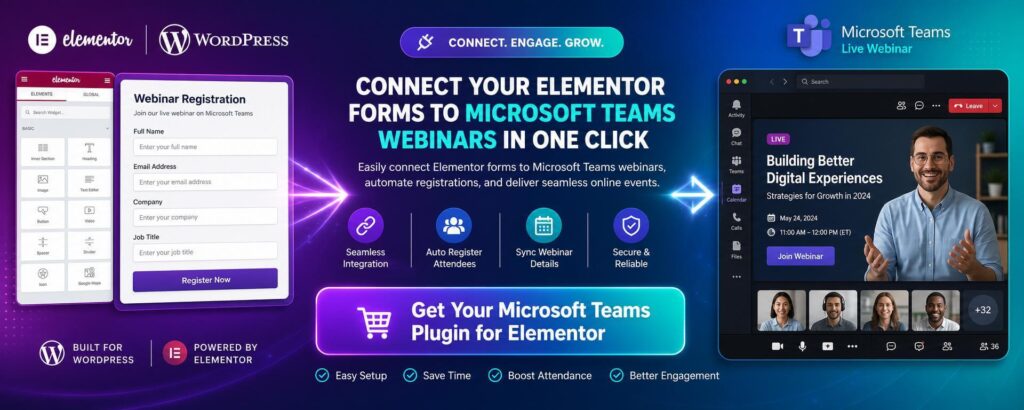
Running webinars through Microsoft Teams is useful, but registration workflows often become unnecessarily complicated for website owners. Many businesses build landing pages in WordPress, design forms in Elementor Pro, and manage attendees somewhere else. That creates a gap between a visitor submitting a form and Microsoft Teams receiving a valid registration. A Microsoft Teams WordPress plugin solves that gap by connecting Elementor forms directly with Microsoft Graph in real time. Microsoft Teams webinar WordPress plugin is built to make meetings and webinars easier.
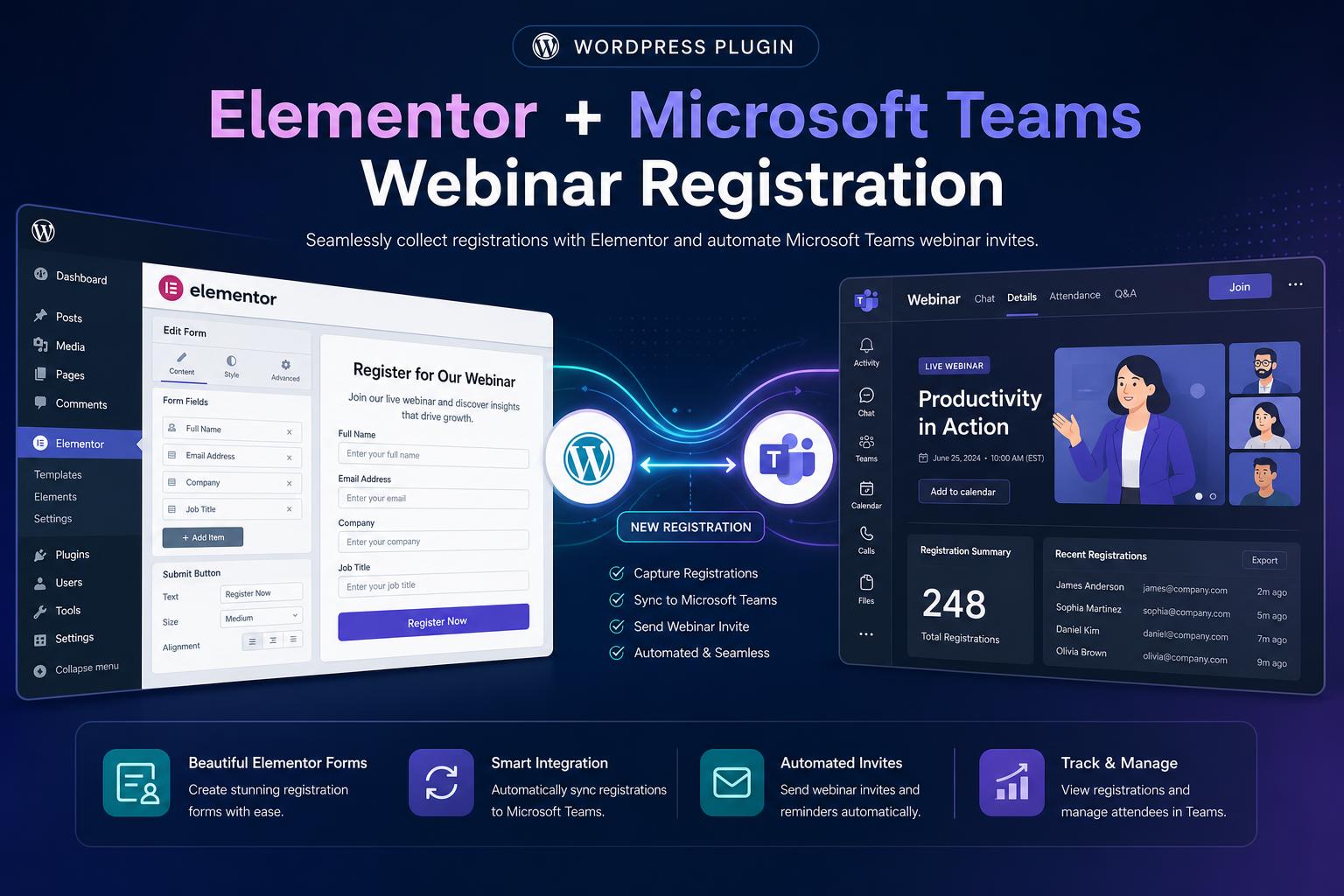
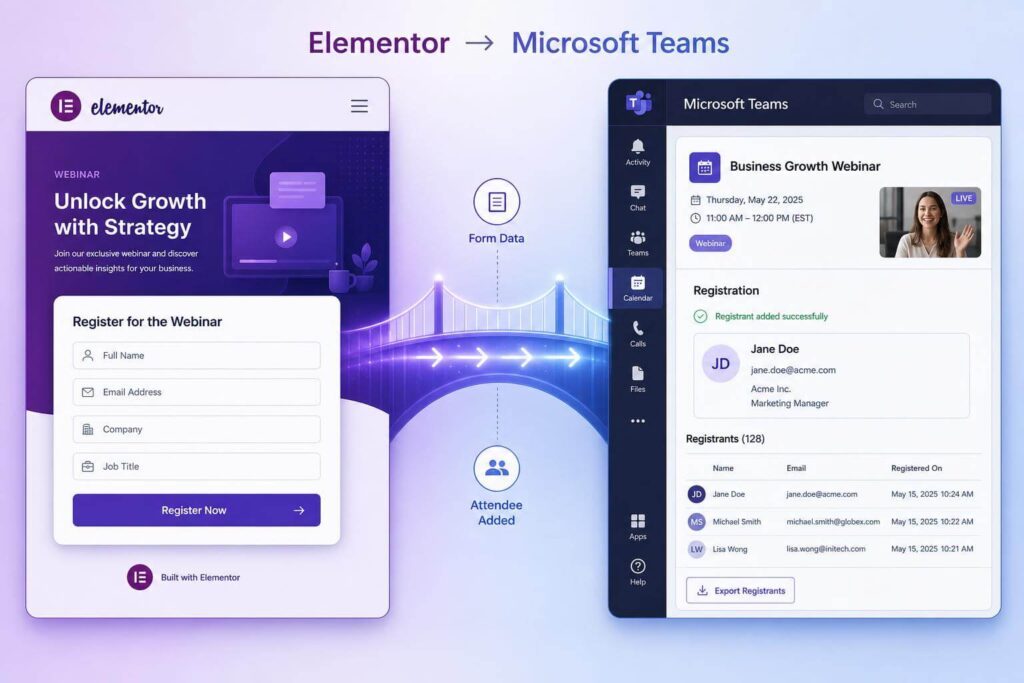
This Microsoft Teams WordPress plugin has one clear purpose: turning Elementor form submissions into Teams Webinar registrations. A visitor submits the form, and this Microsoft Teams WordPress plugin sends their attendee details to Microsoft Teams automatically. The website owner avoids CSV exports, manual copying, middleware tools, and repeated admin work after every campaign. That makes the Microsoft Teams WordPress plugin useful for sales webinars, training sessions, courses, demos, and onboarding events.
View the plugin HERE: built specifically for Elementor Pro forms.
What Is Microsoft Teams WordPress Plugin for?
The Microsoft Teams WordPress plugin is made for websites using WordPress, Elementor Pro, and Microsoft Teams Webinars. It works best when your website is the main place where people discover and register for events. Instead of sending visitors to a generic external page, you keep the whole registration experience on-site completely. That gives you stronger branding, cleaner analytics, better landing pages, and more control over your conversion funnel.
This Microsoft Teams WordPress plugin fits product demos, online courses, consultation events, internal training, and lead-generation webinars. Agencies can use it when clients need a reliable Elementor Microsoft Teams integration without custom development costs. Standard Elementor forms collect information, but they do not create attendee registrations inside Microsoft Teams by themselves. This Microsoft Teams WordPress plugin removes that missing step and turns website form entries into actual Teams Webinar registrations.
How The Plugin Works
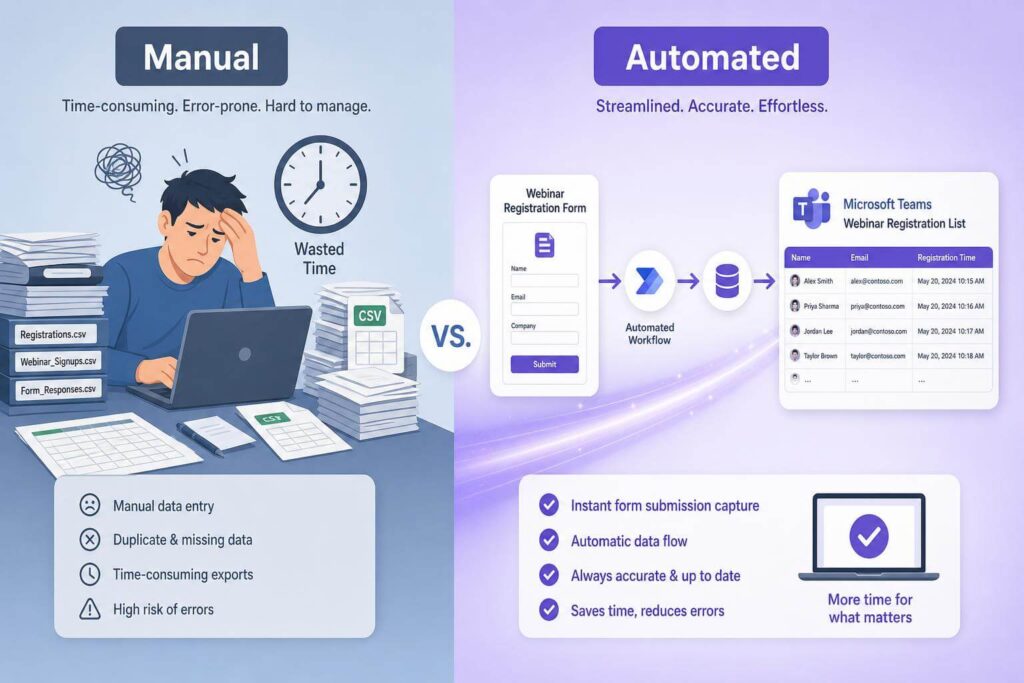
The setup combines WordPress, Elementor Pro, Azure app credentials, and Microsoft Graph into one practical workflow online. First, you connect the plugin using tenant ID, client ID, certificate thumbprint, and private key details securely. Then you map Teams Webinars to readable slugs that can be placed inside hidden Elementor fields easily. Finally, you choose the Microsoft Teams Webinar action inside the Elementor Pro form settings before publishing online.
When someone submits the form, the Microsoft Teams WordPress plugin reads the fields and hidden webinar slug. It can send first name, last name, email, company, and preferred language to Microsoft Teams securely too. The slug tells the plugin which Teams Webinar should receive the attendee registration from that form automatically. After registration succeeds, the visitor can be redirected to your selected thank-you page immediately.
This Microsoft Teams WordPress plugin structure is useful because one setup can support multiple webinar landing pages. You can create separate pages for different campaigns, each using its own hidden slug inside the form. The plugin then routes each registration to the correct Teams Webinar without manual checking or repeated configuration.
The Benefits of The Plugin vs Manual Registration
Manual registration may seem fine at first, especially when only a few people sign up early initially. The problem appears when campaigns grow, deadlines approach, and attendee details arrive from multiple landing pages simultaneously. Someone must export entries, check names, copy emails, and confirm every registration reached Microsoft Teams correctly manually. Those repetitive tasks are exactly where mistakes, delays, and missed attendees usually appear during campaigns.
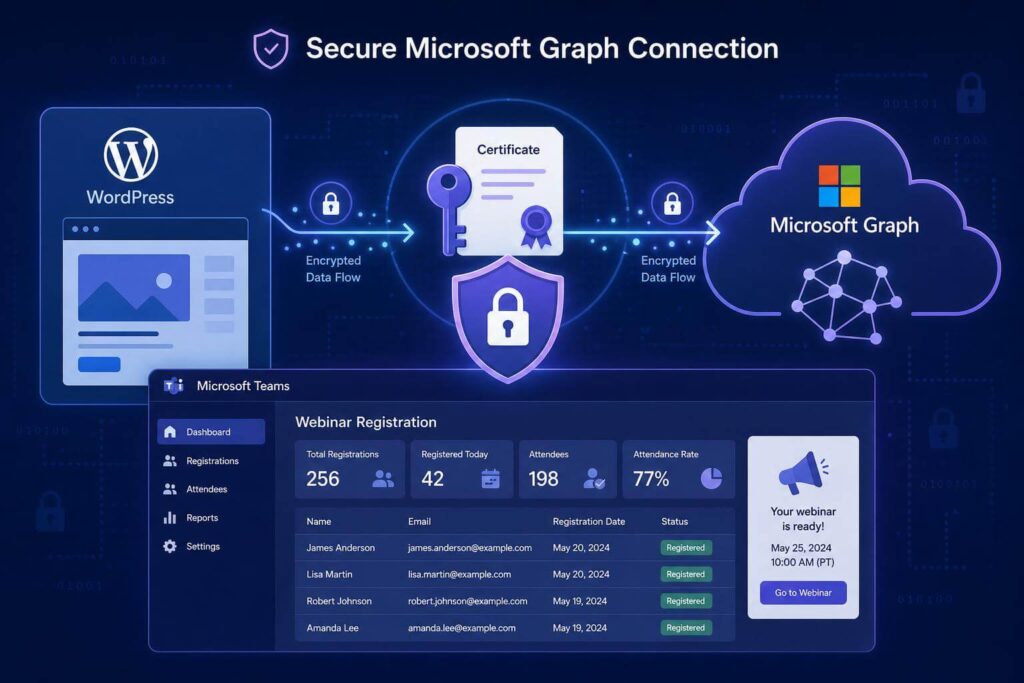
The plugin removes that weak point by registering attendees immediately after each form submission. The workflow becomes faster for the business and smoother for the person signing up online. Instead of waiting for manual processing, the attendee can move directly through your confirmation flow instantly online. That makes the webinar funnel feel more professional and removes unnecessary work from your internal team daily.
What Makes It Better Than Alternative Options?
Zapier and other similar automation tools can be helpful, but they are not always the best fit here. They often add another monthly fee, another account, another privacy concern, and another possible failure point unnecessarily. For a focused Elementor form Microsoft Teams webinar registration workflow, that extra layer can be unnecessary overhead.
The Microsoft Teams WordPress plugin communicates directly with Microsoft Graph from the WordPress website itself securely online. That means no external automation platform sits between your website and Microsoft Teams during registration. Fewer moving parts usually mean fewer things to monitor, explain, and troubleshoot later for clients. It also makes the integration feel like part of the site, not a fragile external chain anymore.
This is valuable for agencies that want a productized and repeatable Microsoft Teams webinar registration plugin setup. A dedicated plugin is easier to package, support, and document than several connected automations later. Review the plugin HERE, including its key setup requirements and features.
Why A Ready-Made Microsoft Teams WordPress Plugin Is Cheaper Than Building It
Building this integration yourself is possible, but it is not just a small code snippet. A developer must create a custom Elementor Pro form action and connect it safely with Microsoft Graph. They also need certificate authentication, Azure permissions, secure key storage, field mapping, logging, and error handling logic. Then the workflow must be tested against real Microsoft Graph Teams webinar registration responses carefully.
That work can take many hours, especially when Azure permissions or Graph responses need debugging. Even a skilled developer can spend more on testing than the finished plugin costs upfront. The Microsoft Teams WordPress plugin is a practical shortcut when the workflow already matches your business need. Instead of paying for custom plumbing, the business pays for a finished Microsoft Teams WordPress plugin upfront.
Security, Reliability, And Best-Fit Users
The plugin uses certificate-based authentication for the Microsoft connection, which suits professional server setups. This matters because webinar registration involves personal data, including names, email addresses, and optional company details safely. The product also stores the private key encrypted, so sensitive authentication data is not casually exposed publicly.
The built-in test tool helps because Microsoft integrations can fail from small configuration mistakes easily. Before launching a campaign, an administrator can test whether the connection and registration flow work correctly first. Debug logging also helps when something goes wrong, because Graph API failures need clear diagnostic information quickly. Without useful logs, every integration issue becomes slower and more frustrating to investigate properly.
This product best fits teams already using WordPress, Elementor Pro, and Microsoft Teams Webinars today. It suits consultants, agencies, schools, training companies, software businesses, and B2B marketing teams well. It is not designed for Zoom, Google Meet, GoTo, or every event platform available. That narrow focus is a strength because focused integrations are usually easier to configure and trust long-term.
Final Thoughts About the Microsoft Teams WordPress Plugin
A good webinar funnel should feel simple for visitors and reliable for the team managing it daily. This Microsoft Teams WordPress plugin connects Elementor Pro forms directly with Microsoft Teams Webinars through Microsoft Graph. It reduces manual work, avoids middleware costs, and keeps registration inside your own website experience. Compared with custom development, the Microsoft Teams WordPress plugin is usually faster, cheaper, and easier to maintain.
If you need this exact workflow, buying the finished product makes more sense than rebuilding it yourself. Visitors submit the Elementor form, WordPress sends attendee data, and Microsoft Teams receives the registration. That is the core value of a focused Microsoft Teams WordPress plugin for Elementor webinar users today. Find the product and check the full details HERE.